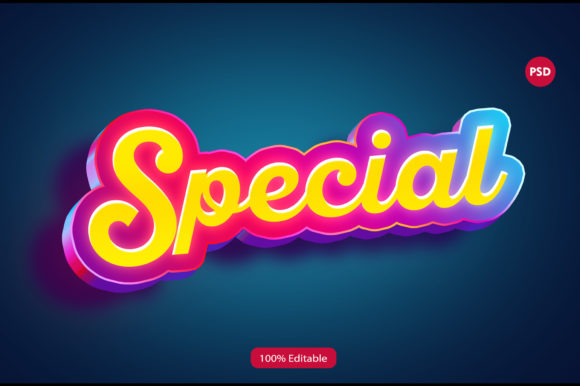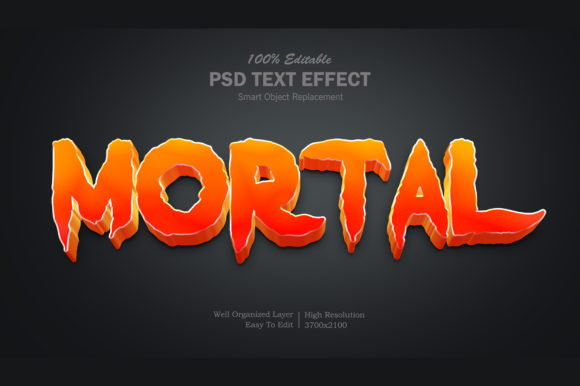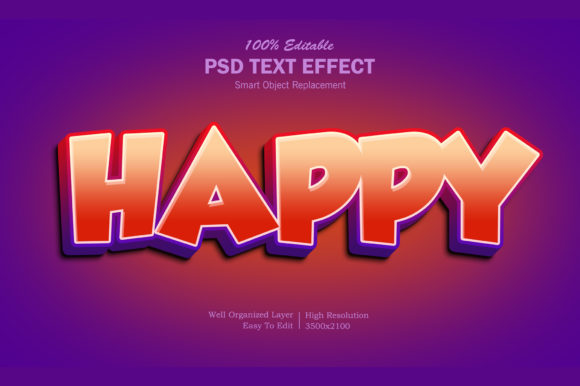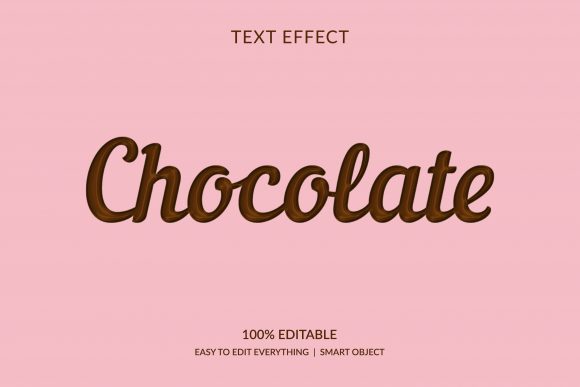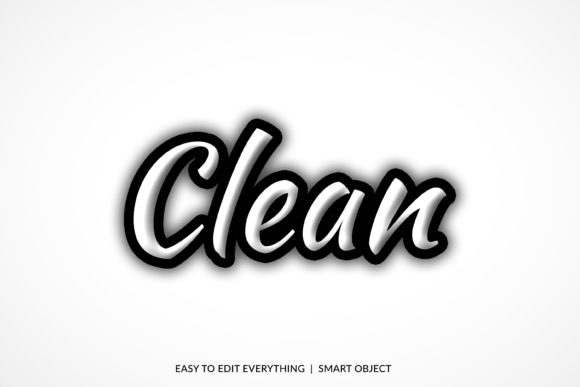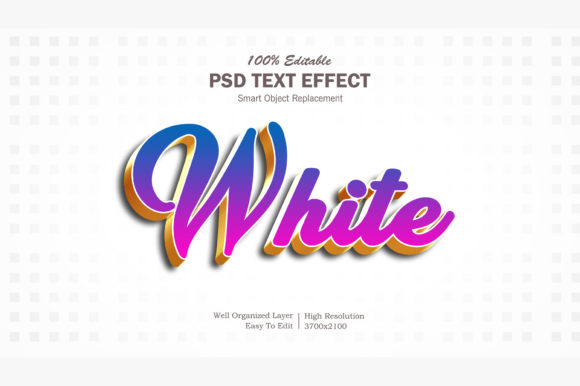
3D White Photoshop Text Effect
In the world of digital design, typography is often the first thing a viewer notices. It sets the tone, conveys the message, and establishes the visual hierarchy of a project. However, creating text that stands out without looking cluttered or amateurish can be a significant challenge for both seasoned graphic designers and hobbyists. This is where specialized tools come into play, specifically resources like the 3D White Photoshop Text Effect. This particular graphic resource offers a streamlined solution for adding depth, dimension, and professional polish to typographic elements, transforming flat letters into striking visual focal points.
Understanding the Resource
The 3D White Photoshop Text Effect is not just a preset; it is a comprehensive file designed to integrate seamlessly into the Adobe Photoshop workflow. At its core, it provides a high-quality effect style that applies a three-dimensional appearance to standard text layers. The aesthetic is clean, modern, and versatile, relying on the purity of white against various backgrounds to create contrast and elegance. Unlike complex 3D modeling software that requires hours of learning curve, this effect is engineered for speed and ease of use, allowing creators to achieve studio-quality results in minutes rather than days.
What makes this resource particularly valuable is its accessibility. It bridges the gap between technical complexity and creative freedom. By utilizing smart objects—a feature native to Photoshop—the file allows users to swap out their desired text instantly. There is no need to manually adjust shadows, highlights, or bevels for every new word. Instead, the heavy lifting is done by the pre-configured layer styles, ensuring consistency across your designs while saving valuable time during the production process.
How It Works: A User-Friendly Workflow
One of the primary barriers to entry for many digital effects is the technical knowledge required to manipulate them. The 3D White Photoshop Text Effect removes this barrier through a highly intuitive editing process. The file structure is built around smart objects, which act as containers for your content. To customize the effect, you simply follow these steps:
- Open the File: Launch Adobe Photoshop and open the provided PSD file.
- Locate the Smart Object: In the Layers panel, look for the smart object named "Your Text" or similar.
- Edit the Content: Double-click the thumbnail of the smart object. This opens a new window containing the editable text layer.
- Replace and Save: Type your new text, adjust the font if necessary, and then save the smart object (Ctrl+S or Cmd+S).
- View the Result: Return to the main document. The changes will automatically appear on the canvas, with all the 3D styling, lighting, and shadow effects applied correctly.
This non-destructive workflow is crucial for professionals. It means you can experiment with different fonts, phrases, and layouts without permanently altering the original effect settings. If you decide later that a darker background works better than a light one, you can change the background layer independently without affecting the text effect itself.
Key Features and Technical Specifications
Beyond its ease of use, the 3D White Photoshop Text Effect boasts several technical features that ensure it meets industry standards for quality and flexibility.
- Smart Objects: As mentioned, this is the backbone of the file. It ensures that any edits made to the text are reflected dynamically throughout the design, maintaining resolution integrity even when scaling.
- High Resolution: The file is prepared at a high DPI (dots per inch), making it suitable for both screen-based projects and high-quality print materials. This prevents pixelation when the design is enlarged for posters or large banners.
- Well-Organized Layers: Professional design files require clear organization. This resource comes with neatly grouped and labeled layers, making it easy to isolate specific components if further customization is needed.
- 100% Editable: From the color of the drop shadow to the intensity of the inner glow, almost every aspect of the visual style can be tweaked. This adaptability allows the effect to fit into diverse brand identities.
Practical Applications Across Industries
The versatility of the 3D White Photoshop Text Effect makes it applicable to a wide array of creative projects. Because white is a neutral color that pairs well with almost any palette, this effect can serve as a universal tool in a designer’s arsenal. Here are some common scenarios where this resource proves invaluable:
Digital Media and Social Networking
Social media platforms are dominated by visual content. Creating eye-catching headers for Facebook, Twitter, or YouTube channels requires text that pops against dynamic backgrounds. The 3D white text adds a layer of sophistication to profile covers and banner promotions. For YouTubers, it can be used for video thumbnails, helping titles stand out in a crowded feed.
Branding and Identity
For business owners, logo presentations and corporate identity materials need to convey trust and clarity. Using this effect for logo mockups allows stakeholders to see how a brand name looks in a realistic, dimensional context. It is also useful for creating stationery elements, such as letterheads and business cards, where subtle embossing or 3D details can elevate the perceived value of the brand.
Marketing Materials
Whether designing flyers, placards, or promotional banners, attention-grabbing headlines are essential. The 3D White Photoshop Text Effect provides immediate visual impact. For instance, in a retail flyer announcing a sale, bold white 3D text can draw the eye immediately to the discount amount or the product name. Similarly, for T-shirt designs and clothing lines, this effect can simulate printed textures, giving digital proofs a more tangible feel before manufacturing.
Entertainment and Creative Arts
In the realm of entertainment, movie titles, cartoon titles, and poster designs rely heavily on typography to set the mood. While dark themes might use black text, lighter or more abstract concepts often benefit from the clean lines of white 3D text. Illustrators and artists can use this effect to add title treatments to their portfolios or greeting cards, adding a professional finish to personal artistic expressions.
Evaluating Suitability and Limitations
While the 3D White Photoshop Text Effect is a powerful tool, it is important to approach it with realistic expectations. It is designed for short to medium-length text. Extremely long paragraphs may lose their visual impact because the 3D styling is optimized for headlines and titles, not body copy. Additionally, the effectiveness of white text depends entirely on the background. On a white or very light background, the text will disappear, so designers must ensure sufficient contrast by using darker or colorful backdrops.
Furthermore, while the file is easy to edit, having a basic understanding of Photoshop’s layer styles (such as Bevel and Emboss, Drop Shadow, and Gradient Overlay) can help users troubleshoot any issues or make minor adjustments to better suit their specific aesthetic needs. However, for most users, the default settings are robust enough to deliver excellent results straight out of the box.
Conclusion
In an era where visual communication is paramount, having access to high-quality, easy-to-use design assets is a competitive advantage. The 3D White Photoshop Text Effect exemplifies this by combining professional-grade aesthetics with user-friendly functionality. Whether you are a small business owner creating social media graphics, a freelancer designing marketing collateral, or a student working on a creative project, this resource offers a reliable way to enhance your typography.
By leveraging smart objects and well-organized layers, it empowers users to focus on creativity rather than technical hurdles. Its applicability spans from digital banners to physical print products, making it a versatile addition to any design toolkit. Ultimately, the value of this effect lies not just in its ability to make text look three-dimensional, but in its capacity to streamline the design process, allowing creators to produce polished, impactful visuals with confidence and efficiency.